
Countdown app for iPhone
Free to downloadWidgets and Live ActivityPro without a subscription
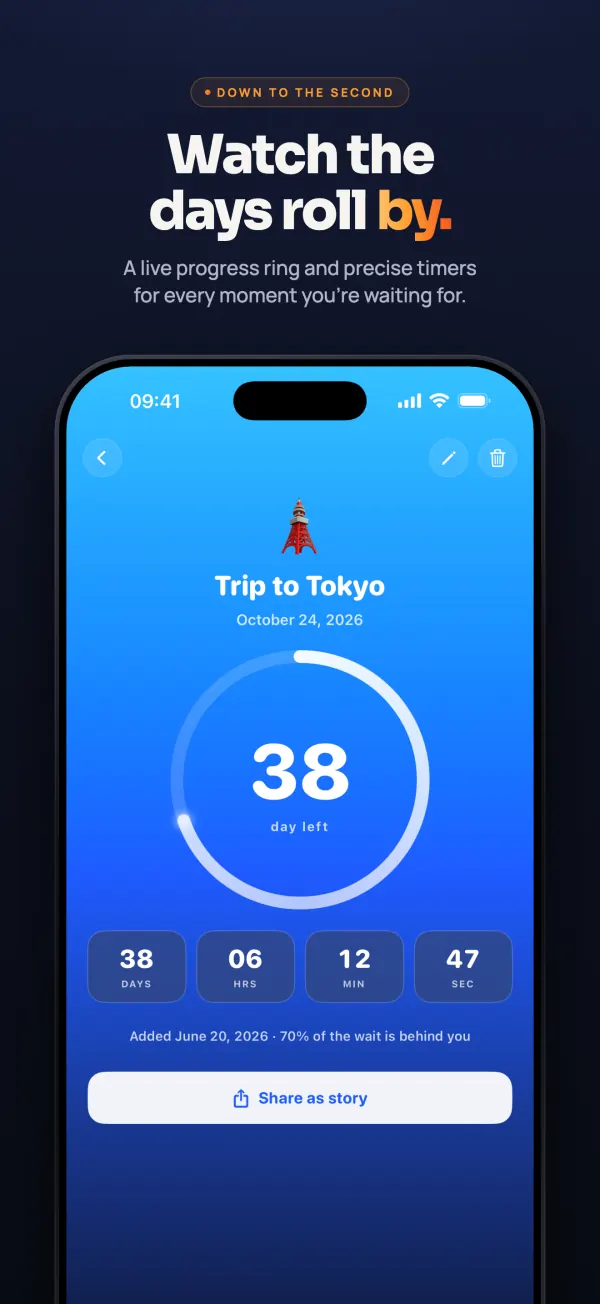
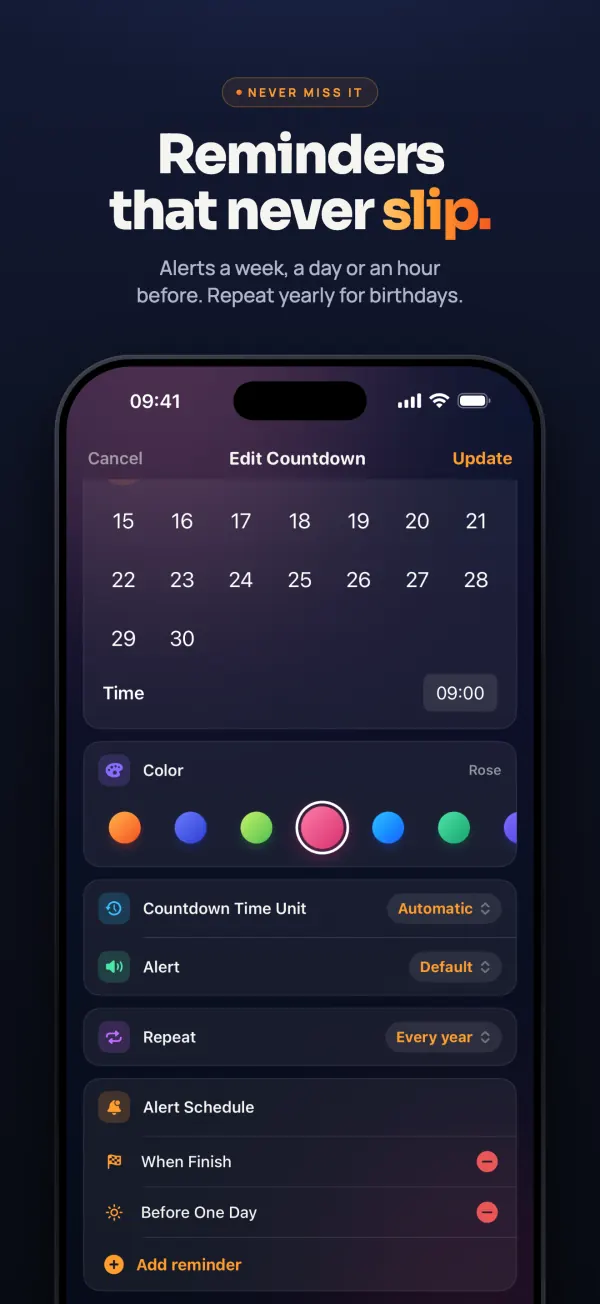
Countdown is our iPhone app for the days you’re waiting for: a trip, a wedding, a birthday, your last day at work. Add the date once and the app keeps the count for you, with a reminder before the day comes. With Pro the days left sit on your Home Screen and Lock Screen, so you see them every time you pick up your phone.
Download on the App Store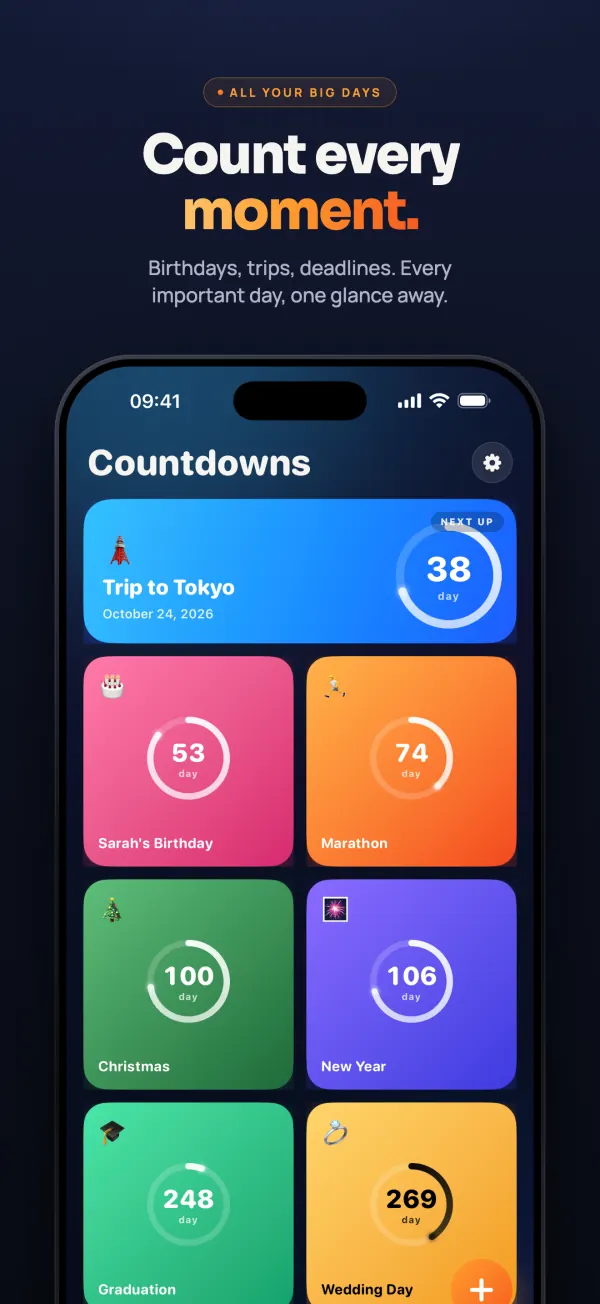
What people count down to
Anything with a date. The ones people add most are trips and holidays, birthdays, weddings and anniversaries, exams and graduation, a due date, and retirement. A countdown can also run the other way and count the days since a date, which is handy for a quit date or how long you’ve been together.
This site has a page for most of these, with the count running in your browser: vacation countdown, wedding countdown, retirement countdown, birthday countdown, Christmas countdown, exam countdown and the due date calculator. The app is for keeping your own dates on your phone.
What’s free and what Pro adds
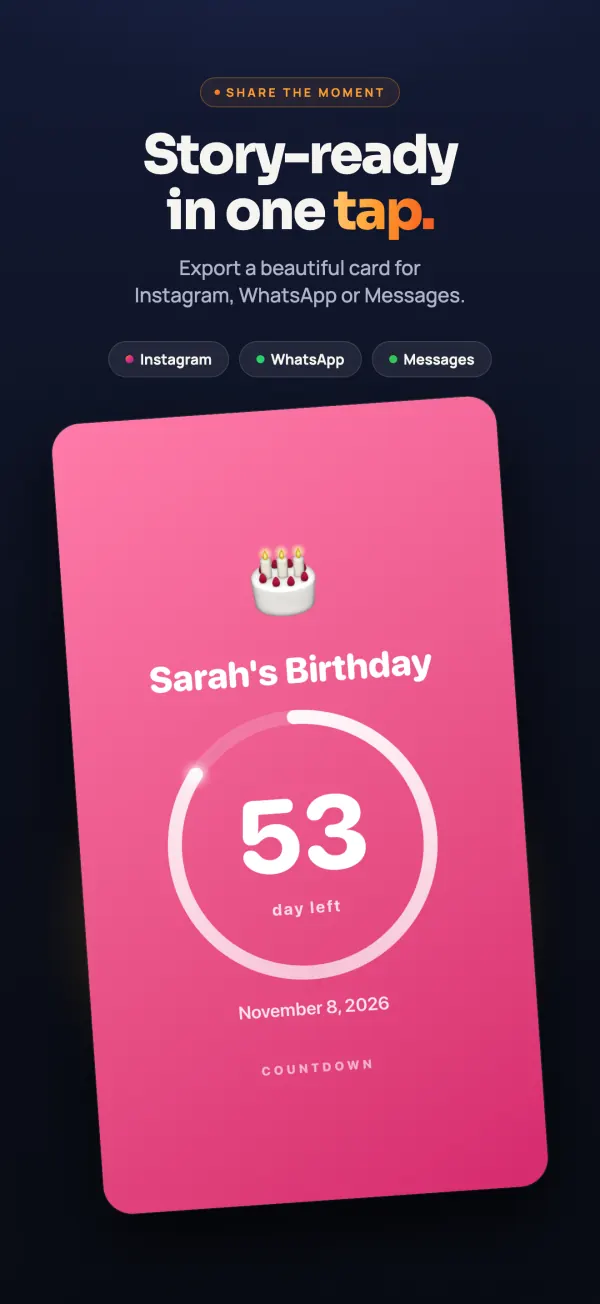
Countdown is free to download. The free version gives you two countdowns, each with reminders, a colour and an icon, the count-up mode and sharing. Milestone alerts are free too: a note at 100, 50 and 30 days to go and at the halfway point, or at 100 days, a year and 1,000 days when you count up. The free version shows ads.
Pro is a one-time purchase, not a subscription. It adds:
- Unlimited countdowns.
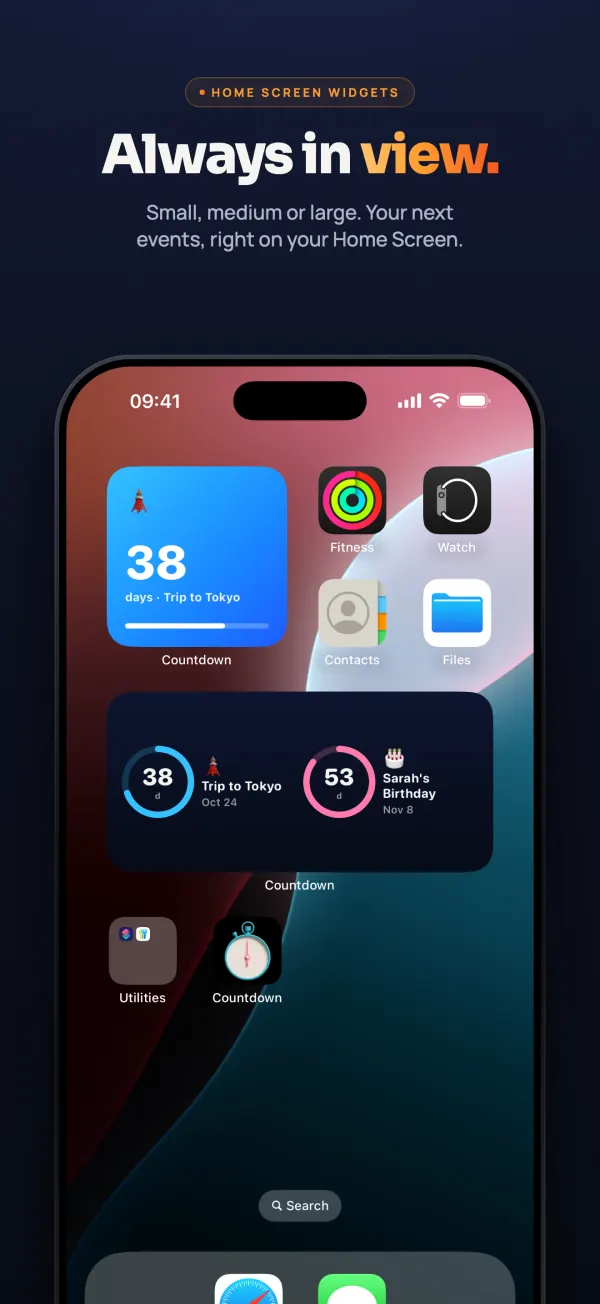
- Home Screen widgets in three sizes, and Lock Screen widgets.
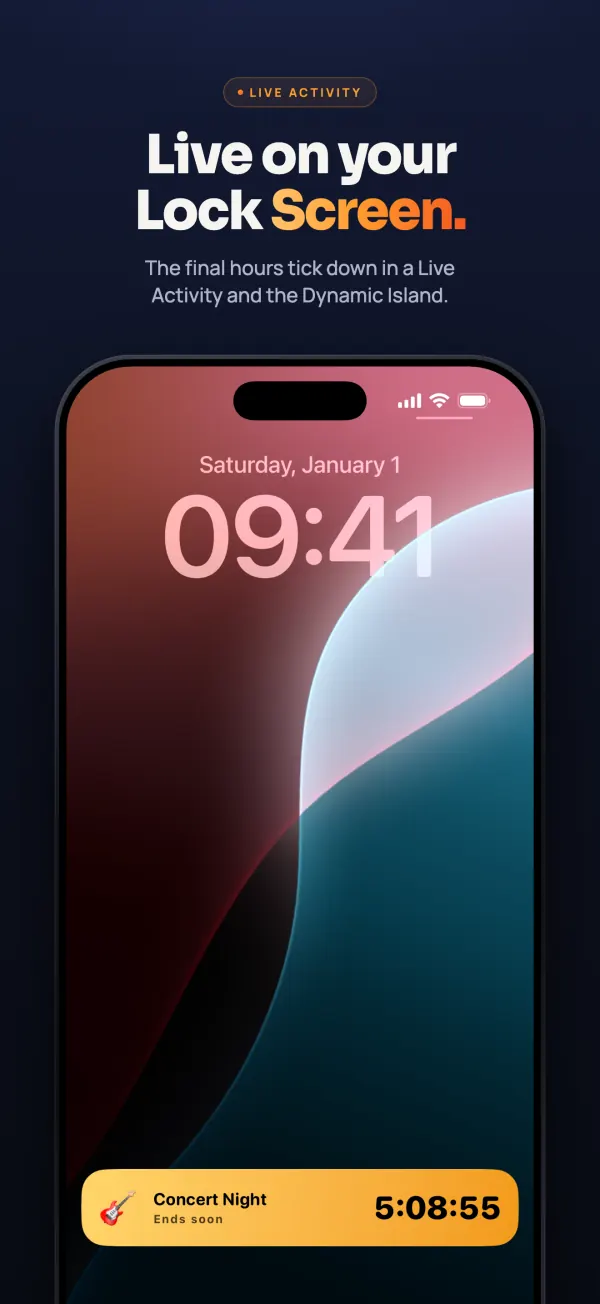
- A Live Activity on the Lock Screen and in the Dynamic Island for the last 24 hours.
- Your own photo behind a countdown.
- Countdowns that repeat, so a birthday starts again every year.
- Importing dates from your Calendar.
- Alert sounds, no ads, and no watermark on shared cards.
The site and the app
The countdowns on this site work in any browser, on any phone, with nothing to install. The app is for your own dates. You add them in the app, which takes a few seconds; pages from the site don’t carry over into it. The app counts in your iPhone’s time zone and needs iOS 15.6 or later. It runs on iPhone and iPad.
Setting up a widget? The iPhone widget guide goes through it step by step, and lock screen countdown covers the Lock Screen.
Questions people ask
Is the Countdown app free?
It’s free to download, and the free version lets you keep two countdowns with reminders. Widgets, the Live Activity and unlimited countdowns come with Pro, which is a one-time purchase rather than a subscription.
Can I put a countdown on my Lock Screen?
Yes, with Pro. Lock Screen widgets show the days left under the clock (iOS 16 or later), and in the last 24 hours a Live Activity counts down to the second on the Lock Screen and in the Dynamic Island.
Can it count up from a date?
Yes. Switch a countdown to count up and it shows the days since something happened: a quit date, a first day at a new job, how long you’ve been together.
Is there an Android version?
No, Countdown is only on iPhone and iPad. The countdowns on this site work in any phone’s browser, Android included.
What languages is it in?
More than 30. It follows your iPhone’s language, so there’s nothing to set.